Secret Santa Generator: Draw Names Online in India (2026 Guide)
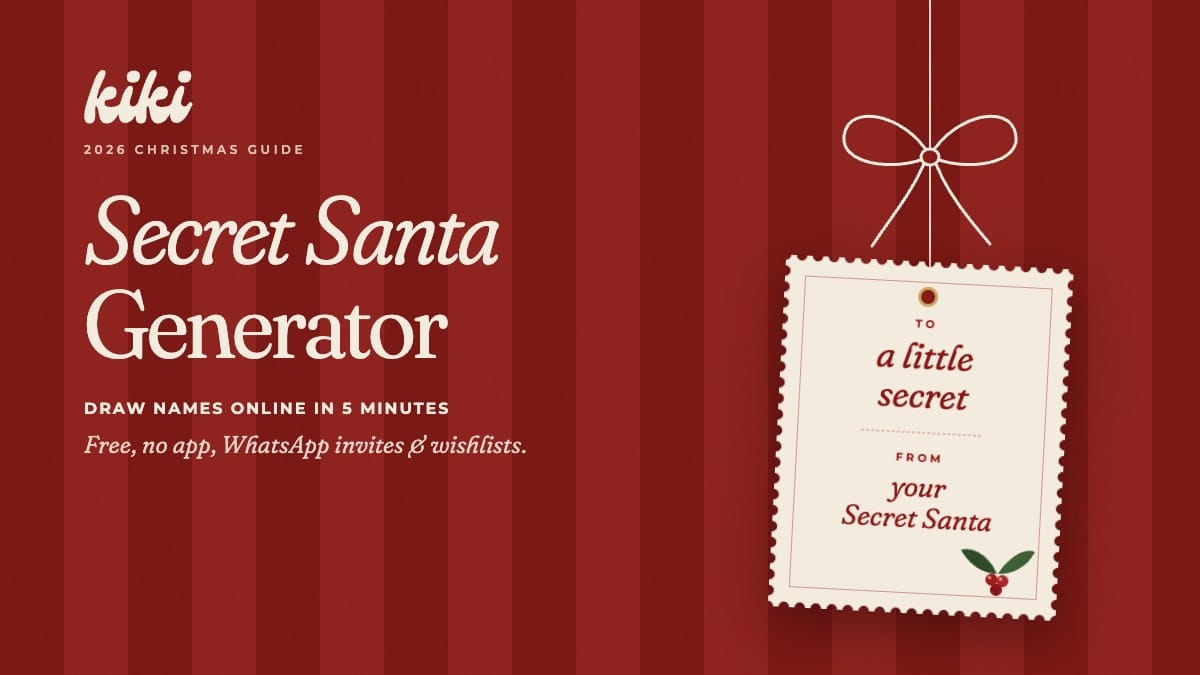
Kiki's free Secret Santa Generator is the easiest way to draw names online in India. Skip the chits, keep every match secret, and get the rules, budgets and tips for office, family and friends.

Every December, the same thing happens. Someone tears a notebook page into chits, someone else picks their own name, and the WhatsApp group fills with "who has whom?" messages nobody can answer. Half the team is remote, so the chit picking never happens at all.
There is an easier way. The best option in India is Kiki's free Secret Santa Generator. It draws names online in about five minutes, keeps every match secret, and works whether your group sits in one office or across five cities. No app download, just one invite link you can share on WhatsApp.
This guide covers how to set up your draw on Kiki, the rules worth agreeing on, and how much to spend.
How to draw Secret Santa names online with Kiki
- Create a group on Kiki's Secret Santa Generator and set a gift budget.
- Share one invite link on WhatsApp, Slack or email.
- Everyone adds a wishlist (or chooses "surprise me").
- Click draw. Each person sees only who they are buying for.
✓ Free ✓ No app download ✓ Works on any phone
What is Secret Santa?
Secret Santa is a gift exchange where each person is randomly assigned one other person to buy a gift for. Nobody knows who their Santa is until the reveal. Instead of everyone buying for everyone, each person buys one thoughtful gift, which keeps it fun and affordable.
In India it is a fixture of office Christmas parties, college hostels, family get-togethers and friend groups. Many groups still call it chit picking, after the old method of drawing names from a bowl.
Why draw Secret Santa names online instead of chits
A paper draw works for six people in one room. Beyond that, it breaks down quickly. An online Secret Santa generator fixes all four common problems:
What to look for in a Secret Santa generator
Not every generator suits an Indian office or family group. Check for these five things before you pick one.
Kiki's Secret Santa generator was built around exactly these, for groups across India.
How to use Kiki's Secret Santa generator in 3 steps
With Kiki's free Secret Santa generator, the whole setup takes a few minutes. No spreadsheets, no WhatsApp polls.
Create your group and send invites
Name your group, set a gift budget, and share one invite link with everyone. Works for families, friend groups and office teams of 10 or more.
Add wishlists
Each person lists a few gifts they would love, or skips it if they are happy to be surprised. No more guessing for whoever draws their name.
Draw names
One click randomly and anonymously assigns every Secret Santa. Each person sees only who they are buying for.
That is it. Your group's Secret Santa name picker does the matching, and nobody, not even the organiser, knows who has whom.
Secret Santa rules every group should agree on
Most Secret Santa disappointments come from rules nobody said out loud. Settle these six before you draw names.
Secret Santa tips for office, family and friends
Office Secret Santa
Keep the budget modest (₹500 to ₹1,000) so juniors are not stretched, and keep gifts work-appropriate. An online draw is the easiest way to include remote and hybrid teammates in other cities.
Family Secret Santa
Large, spread-out families are where online draws shine. Cousins in Bengaluru, grandparents in Kochi and an uncle in Dubai can all join from one link. Ask elders to add wishlists so younger members are not stuck guessing.
Friends Secret Santa
Friend groups usually want a bit of fun. Add a theme like "something handmade", "something under ₹700" or "something that makes us laugh", and make the reveal the highlight of the night.
Virtual Secret Santa
For remote teams or friends abroad, draw names online, ship gifts to each person's address, and open them together on a video call.
How much should you spend on Secret Santa?
There is no fixed rule, but these ranges work well for most Indian groups.
Whatever you choose, set it in the group when you create it so nobody has to ask.
When to draw Secret Santa names
Draw names two to three weeks before the exchange. That gives everyone a weekend or two to shop and leaves room for delivery. For a Christmas party, send invites by the first week of December and draw names a few days later.
Fun Secret Santa group name ideas
A good group name sets the tone in the invite. A few to borrow:
Start your Secret Santa in five minutes
You do not need an app download, a spreadsheet or a bowl of chits.
Start your free Secret Santa draw
Create a group, share the link, collect wishlists and draw names in one click. More than 1,000 groups and families across India already run their Secret Santa on Kiki.
Create your group on Kiki →Secret Santa FAQs
Is there a free Secret Santa generator in India?
Yes. Kiki's Secret Santa generator is free. You can create a group, invite people, add wishlists and draw names without paying anything.
Do I need to download a Secret Santa app?
No. Kiki works in your browser on phone or laptop. Everyone joins through one invite link, which you can share on WhatsApp, Slack or email.
Can I run Secret Santa without collecting everyone's email?
Yes. Share the invite link and people join themselves, so the organiser does not need a list of email ids.
How does the online name draw stay secret?
Names are matched randomly and each person sees only their own match. Even the organiser cannot see who drew whom.
What if someone joins late?
Add them before you draw names. That way everyone is included in the same random draw.
How many people can join one Secret Santa group?
Kiki works for small groups of five friends as well as large office teams of 50 or more.
What is a good Secret Santa budget for office?
Most Indian office groups pick ₹500 to ₹1,000. Set it when you create the group so it appears for everyone.